
Publishing
Publish a Studio project to the registry as a versioned release.
Before you start
Fix every error in the Problems panel.
Create the game once in the Creator Portal: claim a namespace, then add the game.
Publish
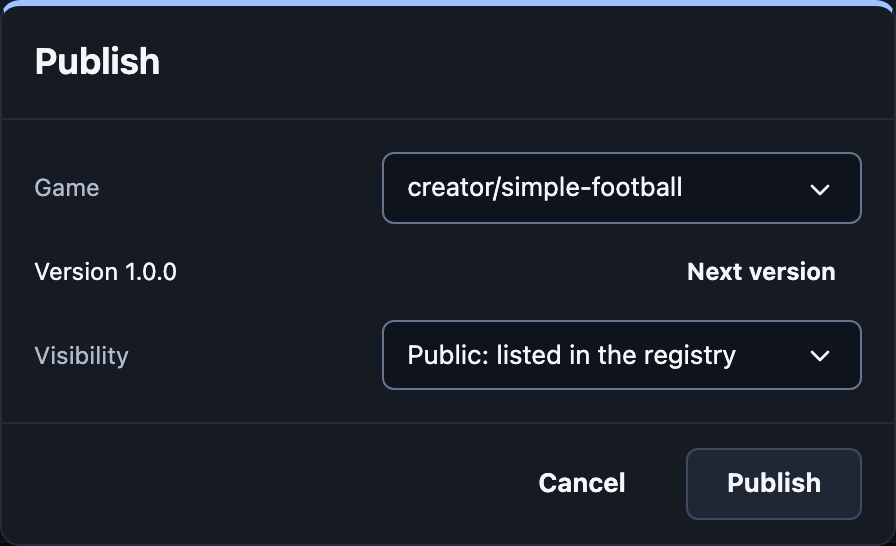
Press Publish at the top.
Pick the Game.
Pick the Visibility:
Public: listed in the registry.
Unlisted: anyone with the link.
Private: only you.
Press Publish.
The Studio checks the game the way rooms will. If something is wrong, the dialog lists it.
Publishing also saves the game's preview: what it looks like when a match starts, shown in the Registry when the game has no icon.
Updates
A release never changes. To update, press Next version and publish
again: 1.0.0, then 1.0.1 or 1.1.0.