
Assets
Upload images and sounds, use them as disc avatars, UI images and sounds, and know the limits.
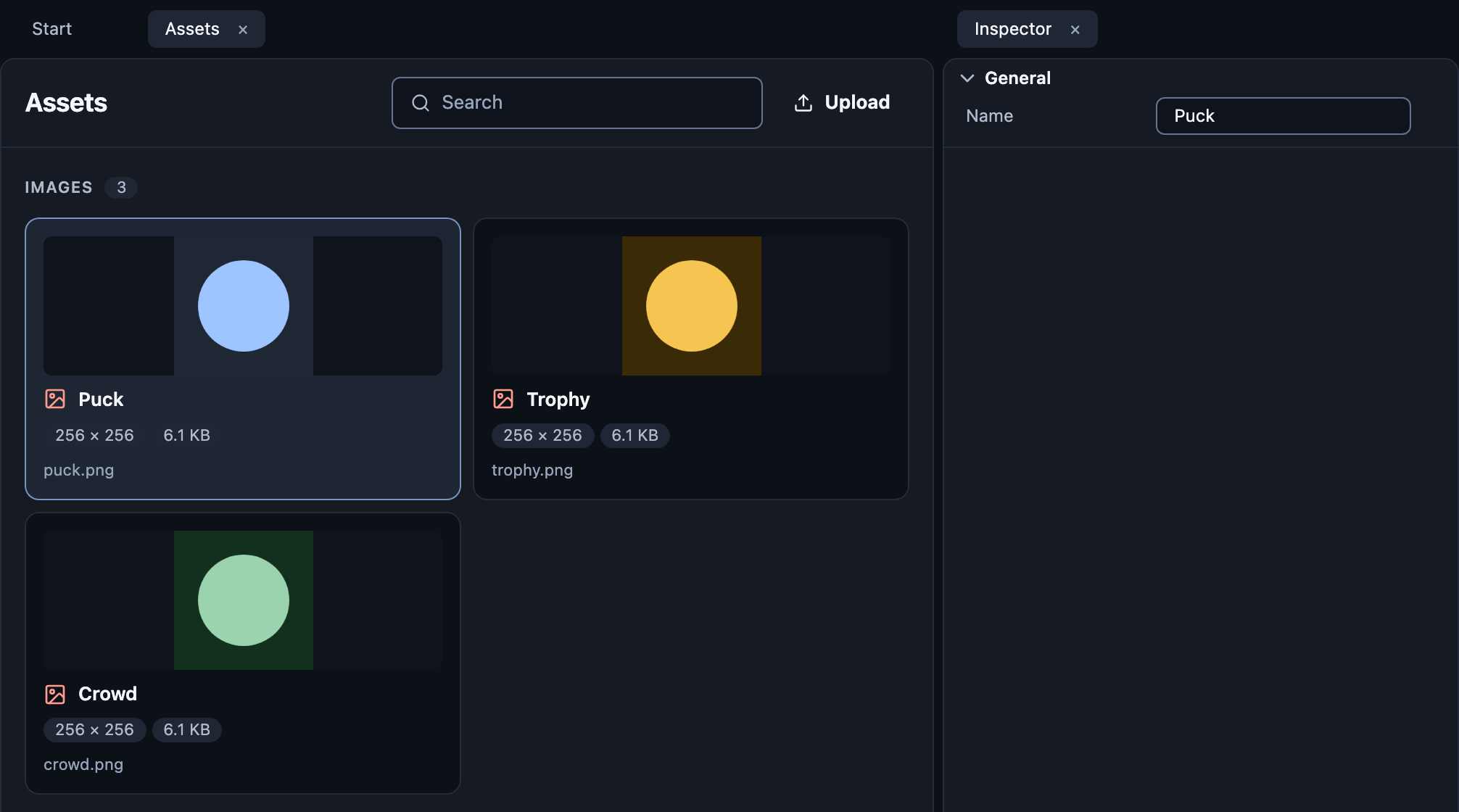
Open Assets and press Upload, or drop files anywhere on the page.
| Kind | Formats |
|---|---|
| Images | PNG, JPEG, WebP |
| Sounds | MP3, Ogg, WAV |
Rename with F2. Delete removes it.
Use them
Disc avatar: set a disc's Avatar to an image.
Image visual: choose the picture in its Image field.
UI: image and icon nodes.
Sounds: the Play {sound} action.
Limits
8 MiB per file.
A file must really be what its name says: a JPEG named
.pngis refused.
All limits: Studio reference. How games carry assets: Assets.