
Events
The event sheet - rows that read When … If … Do …, groups, sub-rows and custom events.
Your game's rules live on the Events page. Each row reads like a sentence.
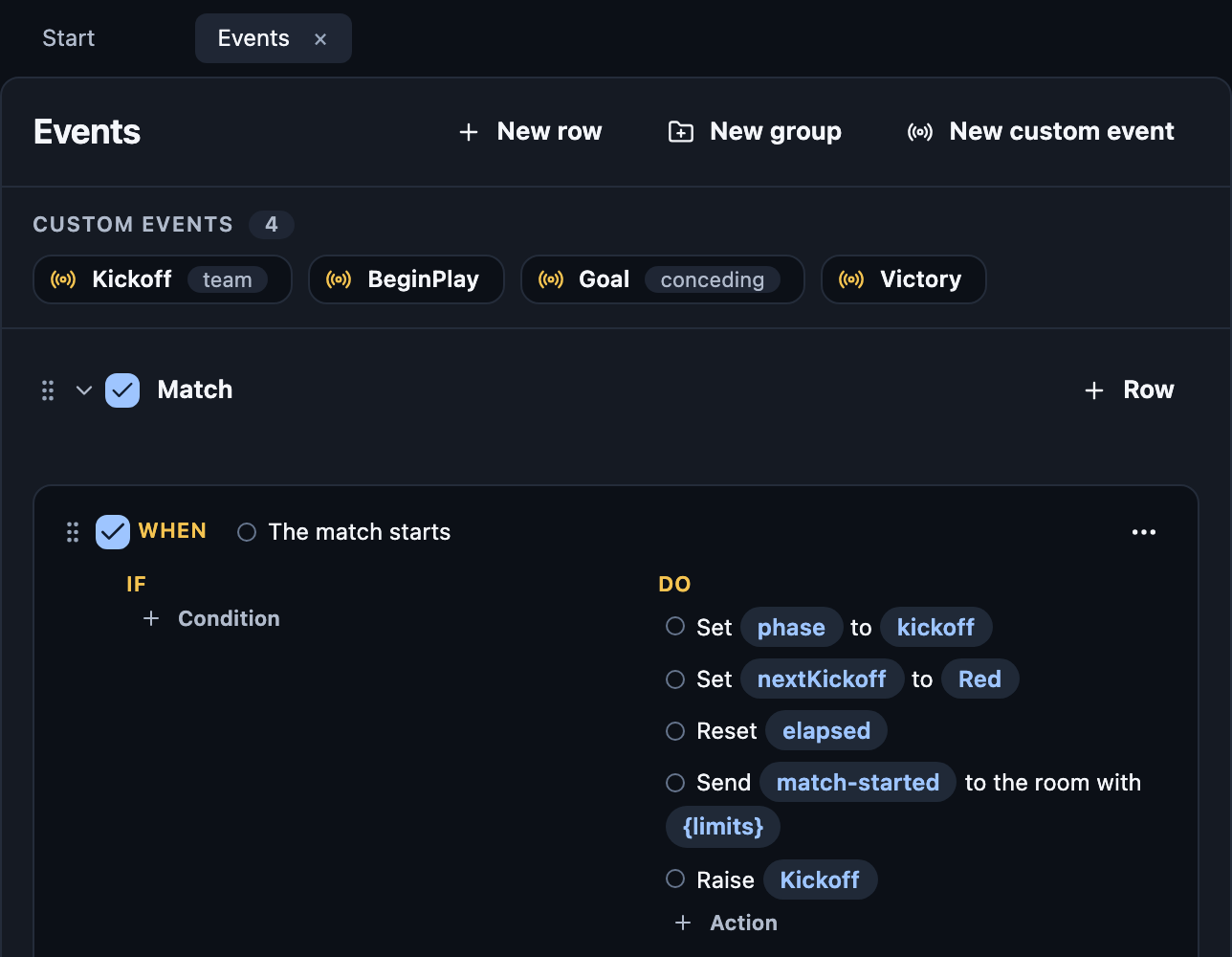
When: what starts it. The match starts, Every 5 seconds…
If: what must be true. Optional.
Do: what happens, in order.
Make a row
Press New row and pick a trigger.
Click a blue slot to fill it.
Press Condition or Action to add more.
Empty slots show as problems until you fill them.
Create a circle, Create a box and the rest, one per shape, hold the
visual they create: selecting the action edits it with the same inspector
as a placed one. Values from the trigger, such as its
player, are taken when the row runs. Send chat message and Play
{sound} take an optional To, an audience like a visual's; a sound
played at a disc can also reach only the players near it. Play
{sound} also takes an optional Volume, from 0 to 1. Each listener's
screen works it out while the sound plays, so Fade by distance (from
the disc, full within one distance, silent at another) makes it quieter
farther away.
Sub-rows
Open a row's ⋯ menu to add:
If / Otherwise: branch.
For each player: repeat for every player.
After: wait some seconds first.
Groups
New group keeps related rows together.
Untick a group to switch it off while testing.
Drag the handle to reorder. Rows run top to bottom.
Custom events
Your own triggers. Raise Goal runs every row that starts with Goal is raised. Good for doing one thing from many places.
Names a row can use
A trigger gives its row names to use. A player enters the match gives
player and their disc.
Every trigger, condition and action: Studio events reference.