
Menu and HUD
Build the Menu and the HUD from blocks, connect them to variables, and preview them as each player sees them.
Every game has two screens:
Menu: opens with Escape. Teams, settings, Start.
HUD: over the game during a match. Score, clock.
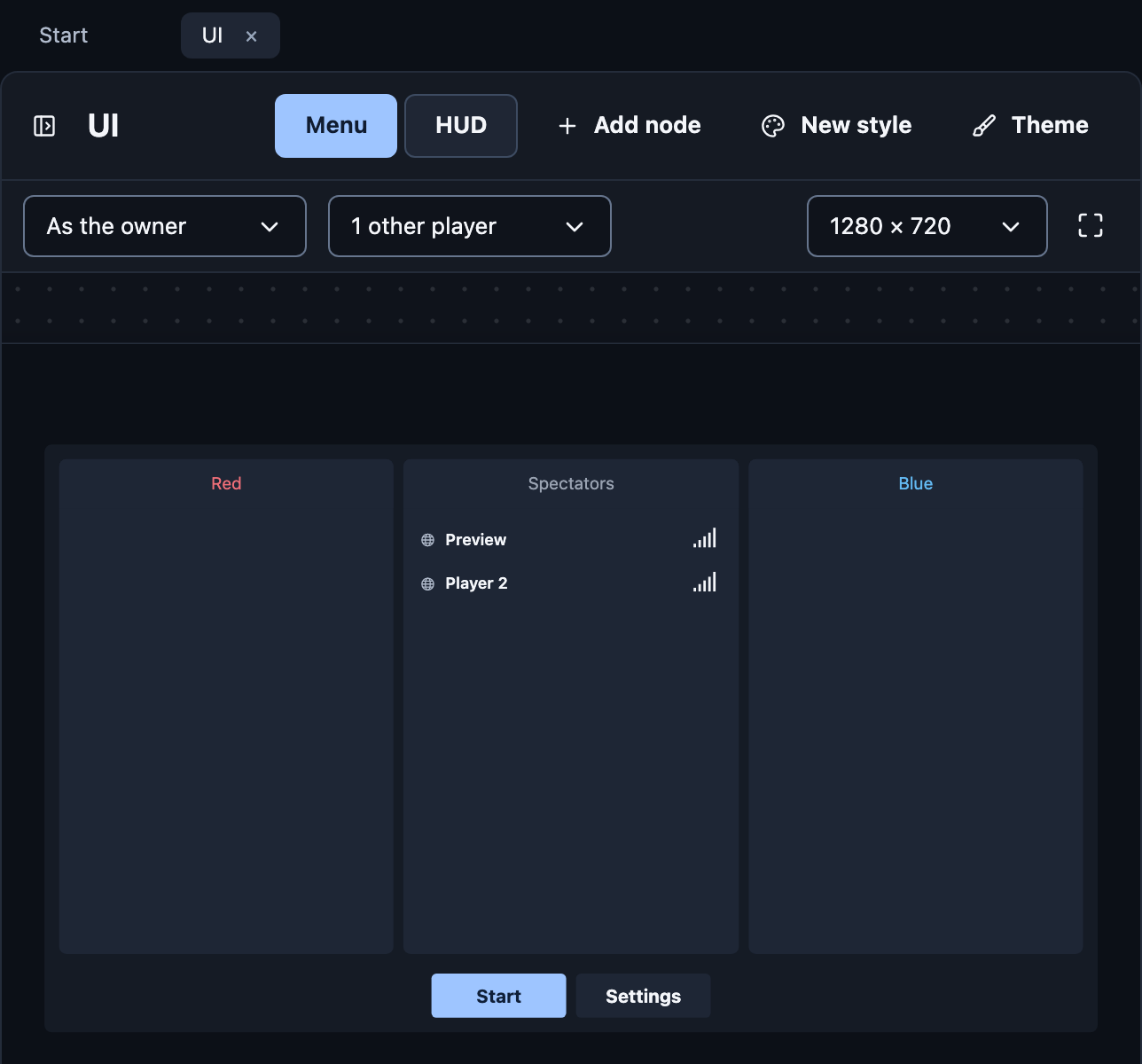
Build
Open UI and pick Menu or HUD.
Press Add node: a row, a text, a button, an image…
Select it and set it up in the Inspector.
Show live values
Texts can show variables. In a text's field, press + (Insert a value)
and pick one, such as RedScore; type the rest around it, as in
RedScore - BlueScore. When a variable changes, everyone's screen updates.
Lists
Turn on Repeat to make one copy per player, per team member, per item.
Inside, each copy has a name like p, so a text can show p.name.
Buttons
A button's Triggers decide what it does:
Request: runs rows starting with A player uses {control}.
Open, close, show, hide: changes the screen for that player only.
Names can also be dragged onto drop targets, like moving a player between teams.
Shown to sends a node only to an audience built from blocks, such as Players with a role or a team's Players; everyone else gets it hidden or disabled. It follows what it reads, so the screen changes as roles and teams do.
Preview as someone else
Preview as shows the screen exactly as the owner, a player or a spectator sees it. Other players fills lists with sample players.
Everything you can add: Studio UI reference.