
Controls and roles
Controls give players actions such as Kick; roles decide who may start matches or move players.
Controls
Players move with the arrow keys or WASD and aim with the mouse, a touch or a gamepad's right stick. Anything else, like Kick, is an action: the first is Space or the left mouse button, the second E or the right button, then Q and F. Each action shows its key, and a scheme holds four.
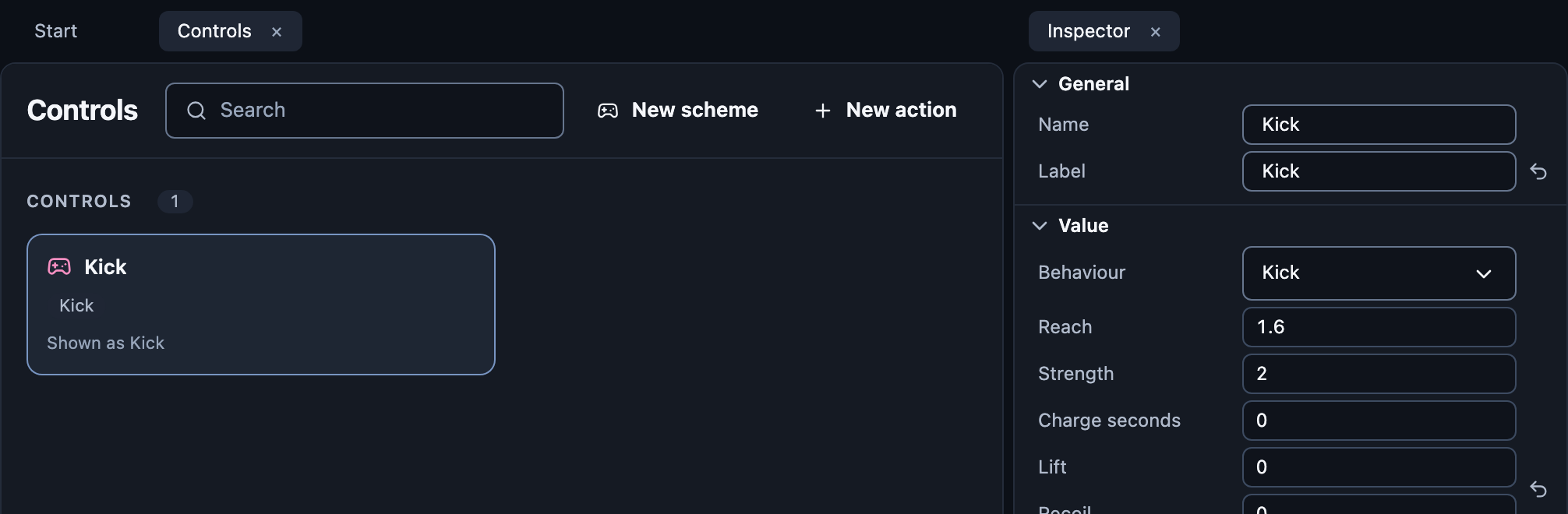
Open Controls, press New scheme, then New action.
Give it a Label players see.
Optional: pick a Behaviour the engine runs:
Kick pushes nearby balls. Toward the aim kicks only what is in front, toward the mouse; its Arc degrees narrows that to a slice, as a racket or bat does. Changes movement while held slows the player while the key is down, as in HaxBall; only one kick per scheme may.
Grab picks up a ball in the
holdgroup; pressing again drops it.Throw launches the held ball where the player aims.
A Charge seconds above 0 makes it act on release: a tap uses Strength, a full charge Full-charge strength.
Then:
Pick the scheme in your player prefab's Controls.
React in rows: A player presses {action}, A player uses {action}.
Roles
Who may do what: start the match, move players between teams…
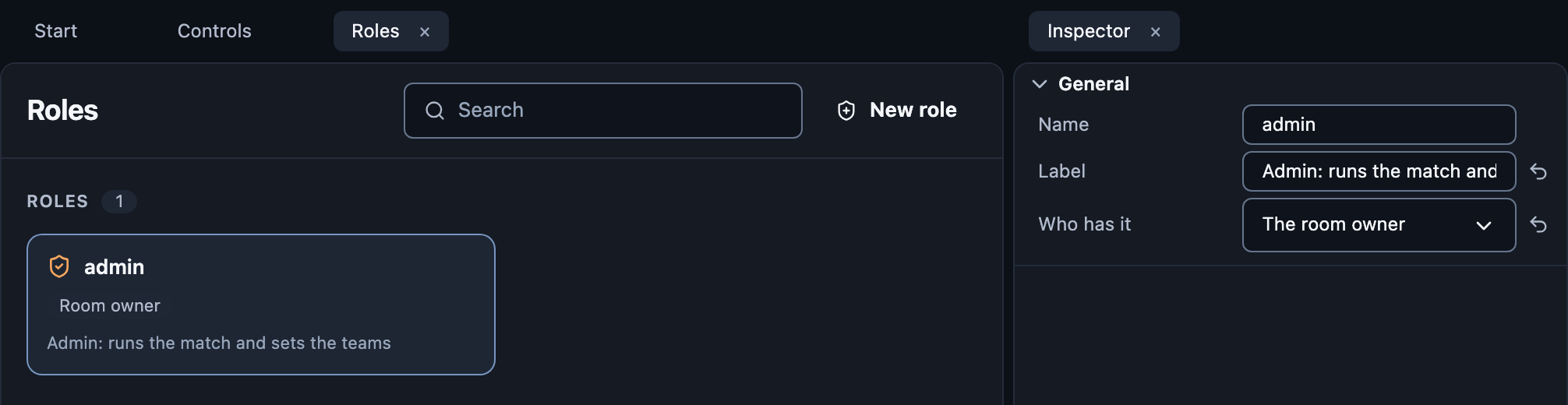
Open Roles and press New role.
Choose Who has it: everyone, the room owner, or no one until given.
Use it to:
Lock a button: players without it see it disabled.
Check it in a row: {player} has {role}.
Give it or take it: Give {role} to {player}, Take {role} from {player}.
React when it changes: A player gains {role} and A player loses {role}.
Rooms, and people in the room, can give roles too. See Roles.